Reception, handled — even when the desk is empty.
A visitor arrives. Nobody is at the desk. The paper logbook shows them the last ten people who signed it, the NDA is in a drawer, and the person they came to see has no idea they are waiting. A tablet at the door fixes all four — and leaves you a record you can actually search.
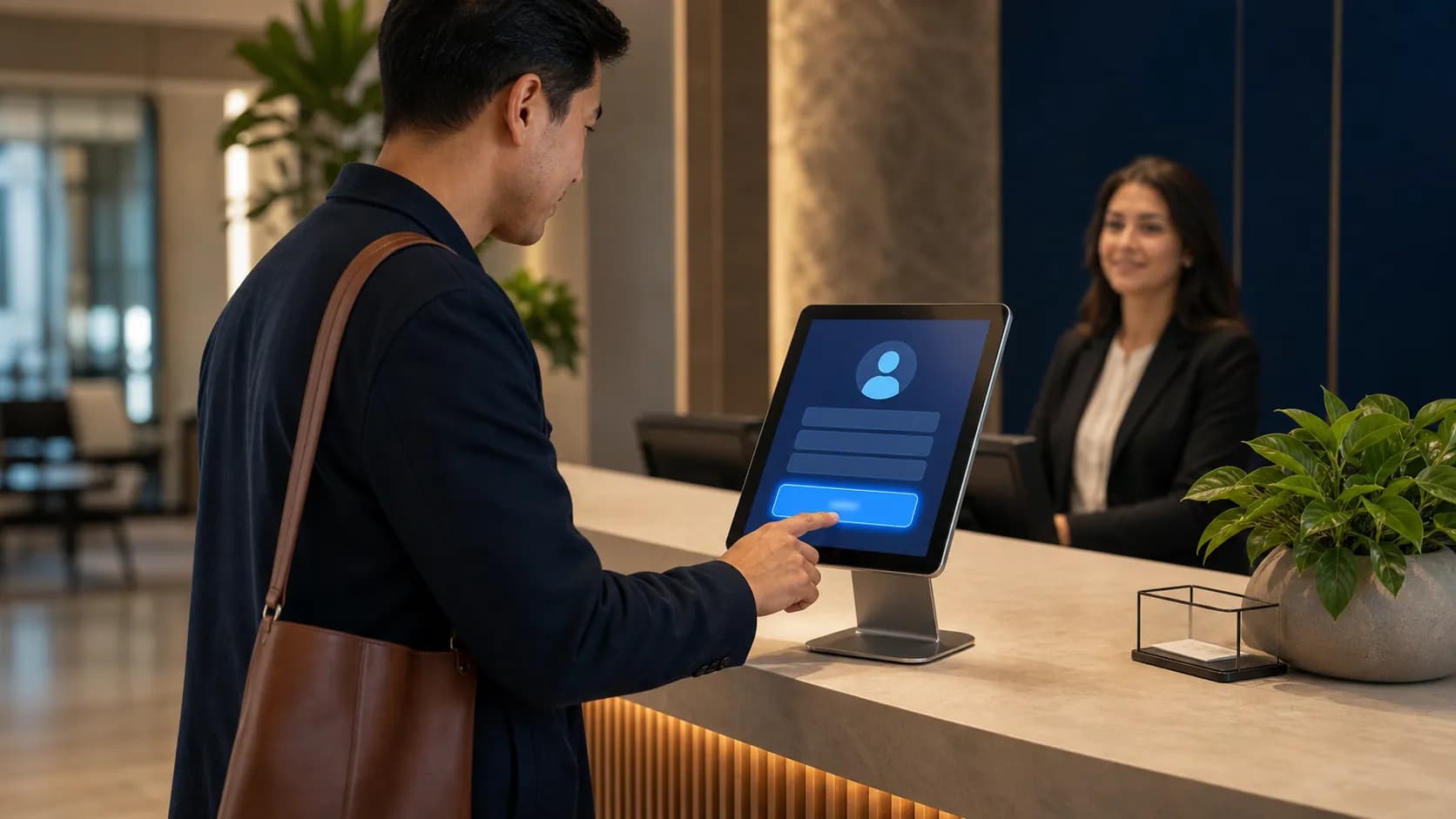
A tablet at the door. A few taps, in their own language.
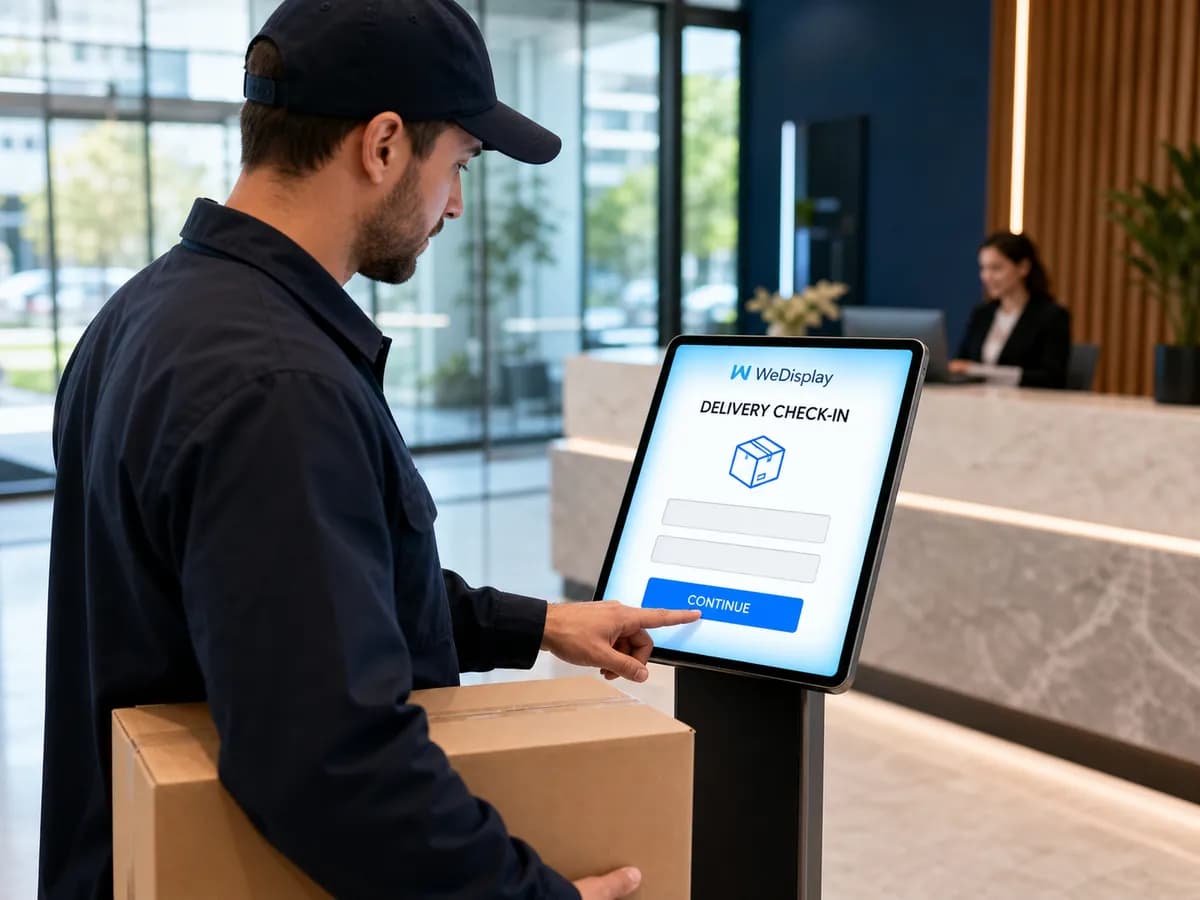
The visitor taps who they are, why they are here and who they are seeing, and they are checked in — with a visit code and a digital pass. The tablet speaks seven languages — English, French, Spanish, Romanian, Punjabi, Hindi and Mandarin — and each visitor can switch to theirs for the length of their visit. Every kiosk is bound to exactly one paired tablet, so a link that leaks is useless anywhere else: another device sees a neutral notice and nothing more — no company names, no host list, no visitor data.
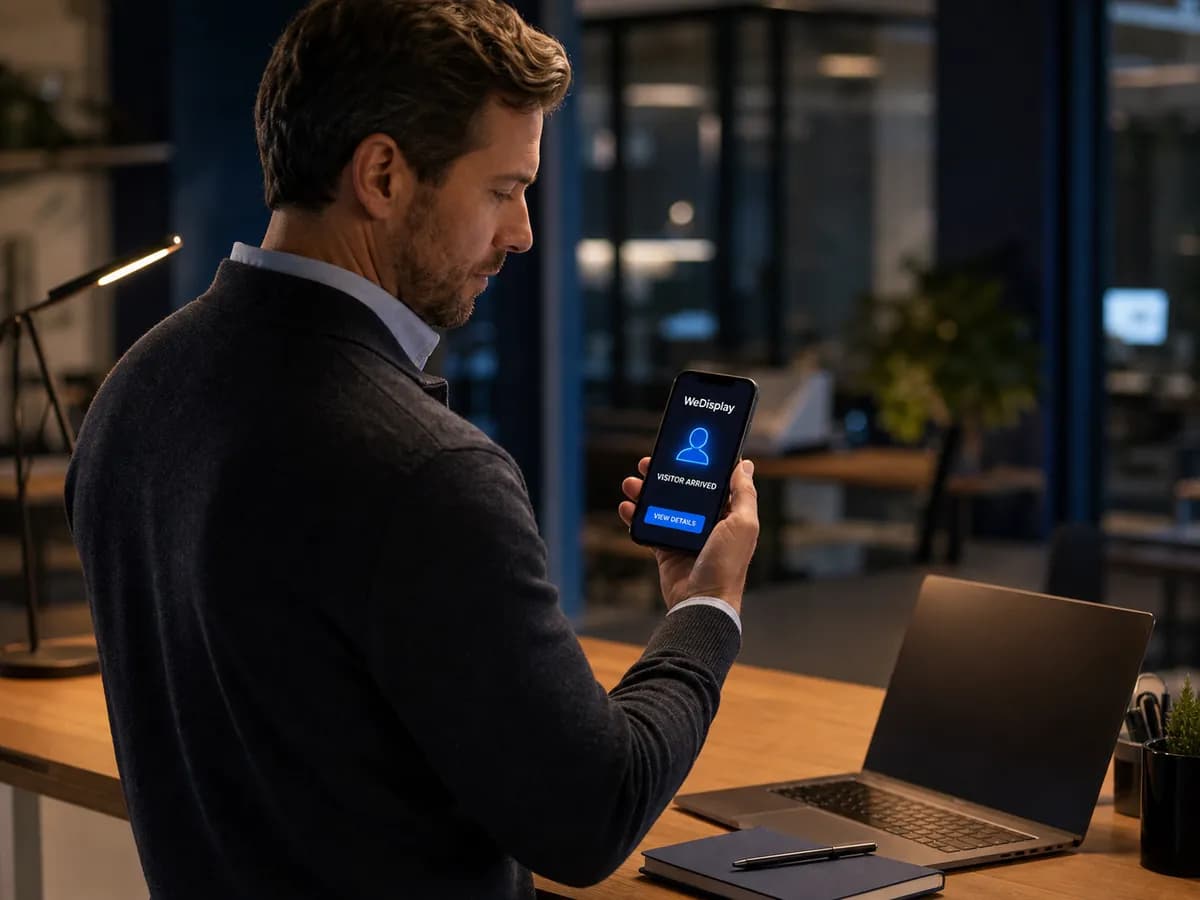
The host knows before the visitor sits down.
Every check-in emails the host. Connect Slack, Microsoft Teams or Zoom Team Chat and the same notice lands in the channel your team already watches. Give a department its own inbox — Shipping, Reception — and whoever is on duty receives the guest instead. Channels are independent and best-effort: a dead webhook is logged and skipped, and it never keeps a visitor waiting at the tablet.
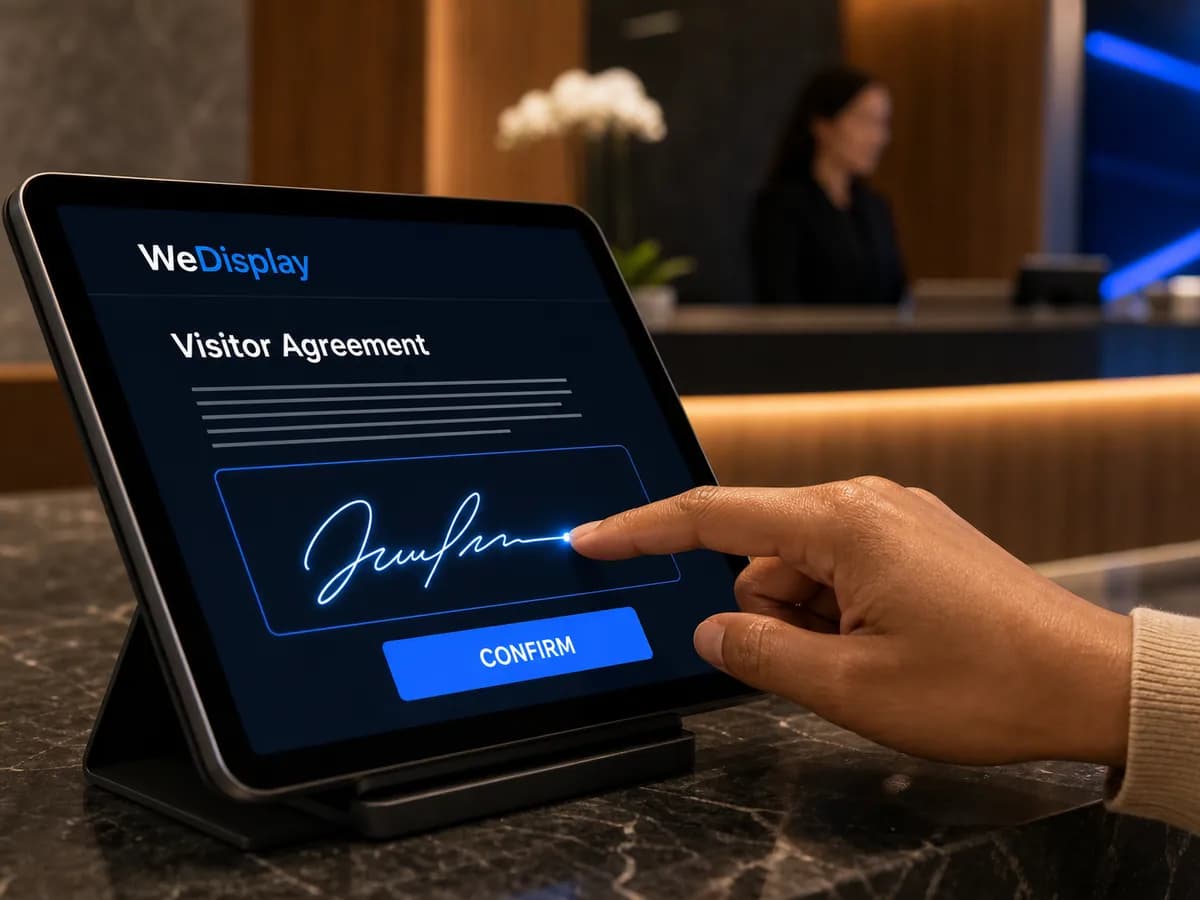
The NDA is signed before they are through the door.
Attach a document to a visitor type and nobody of that type checks in without signing it — on the glass, with a finger, in the language they picked. Editing the text publishes a new version instead of rewriting the old one, because every signature points at the exact version it agreed to. The signed PDF holds the text, the signature, the name and the timestamp; if the visitor left an email address, their own copy is sent to them. Switching the tablet's language is not a way around it, and neither is arriving on an invitation.
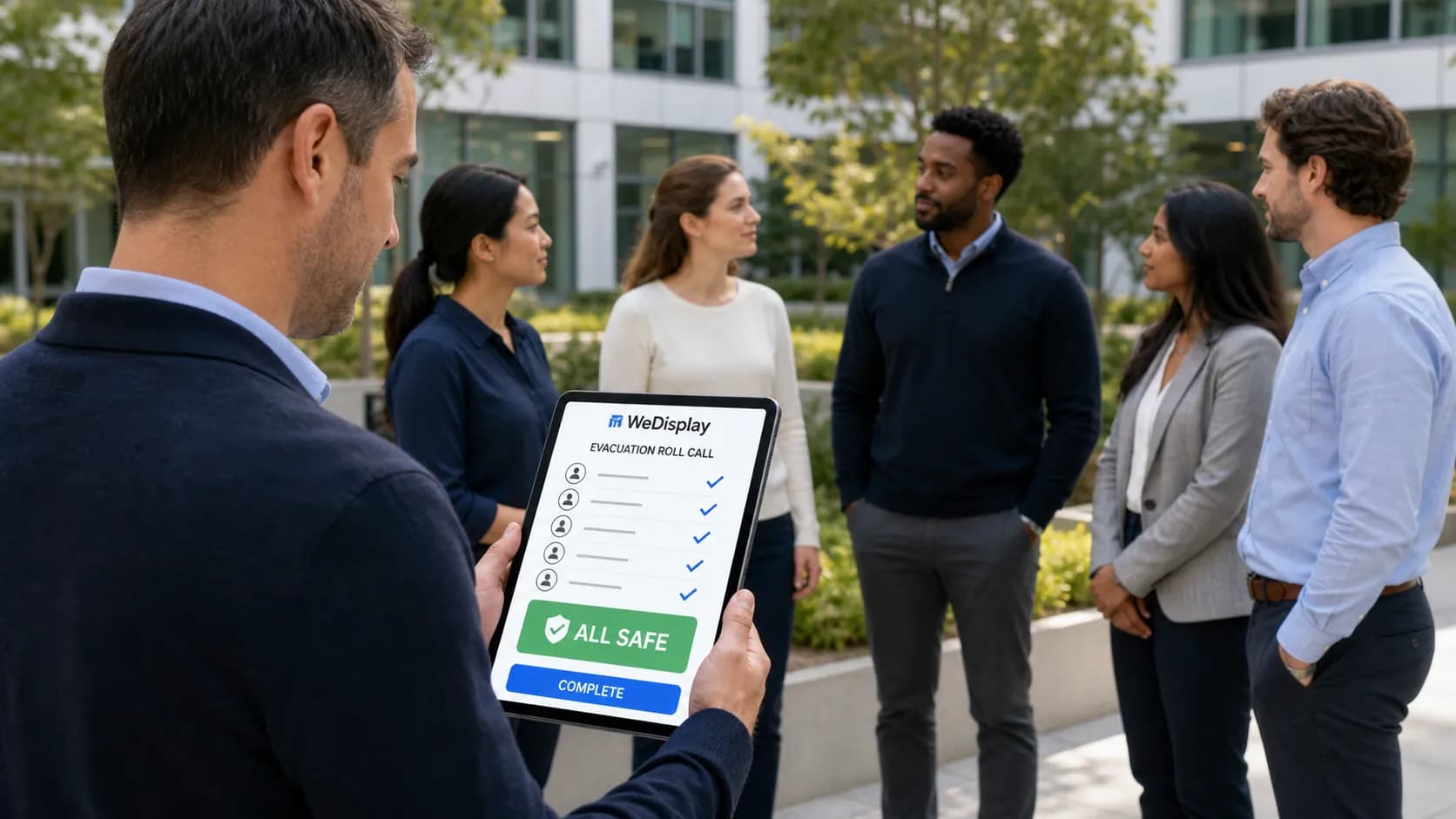
One list for the fire drill — staff and visitors together.
Employees sign themselves in with a badge card or a PIN, so the who's-in board shows everyone in the building and not only the guests. Evacuation mode turns it into a full-screen roll call you tap through in the parking lot; it runs on data the browser already holds, so it survives the Wi-Fi going down with the building. Set a maximum headcount and you get a banner and an alert when the site goes over it. It records who is on site — it is not timekeeping, and there is deliberately no hours column anywhere.
Nobody has to remember to close the day.
Set office hours and holidays, and anyone still signed in when the door closes is checked out automatically, on your organization's own time zone. Visits purge themselves on a retention window you choose — 90 days by default — while signed documents keep their own, longer clock of three years, because a signed agreement is a legal record and a log entry is not.
The lobby screen and the check-in tablet, on one account.
WeDisplay is a digital signage platform too — the welcome screen above the desk, the wayfinding board, the meeting-room display, all scheduled from the same dashboard. Same login, same team permissions, same bill, same people to call. Start with the kiosk and add screens later, or the other way round; neither one needs the other to be worth having.
The quiet half of a visitor log.
A name you would want to know about
Put a name or an address on the watchlist and a match stays quiet: the visitor checks in completely normally, nothing appears on the tablet, and they are never told. Your security contacts are — by email, and in the chat channels your plan includes — and the visit is flagged in the log. Partial names are matched cautiously on purpose, because an aid that cries wolf gets ignored. It is not a doorman: nobody is refused at the door. On the plans that include it.
A ceiling on how many are inside
Set a maximum headcount and going over it raises a banner on the who's-in board and alerts the people who own that number. It fires on the crossing, not on every check-in after it, so a busy afternoon does not send thirty identical emails. Nobody is turned away — a site one person over its own limit is a thing to know, not a reason to leave a visitor standing at the door.
The day closes itself
Office hours, holidays and your organization's own time zone decide when reception is shut, and anyone still signed in is checked out automatically and marked as such, so an auto-close is never mistaken for someone who tapped out. Without it your on-site count drifts upward all week — and that is the number the evacuation roll call reads.
The parts a reception actually runs on.
Several companies, one desk
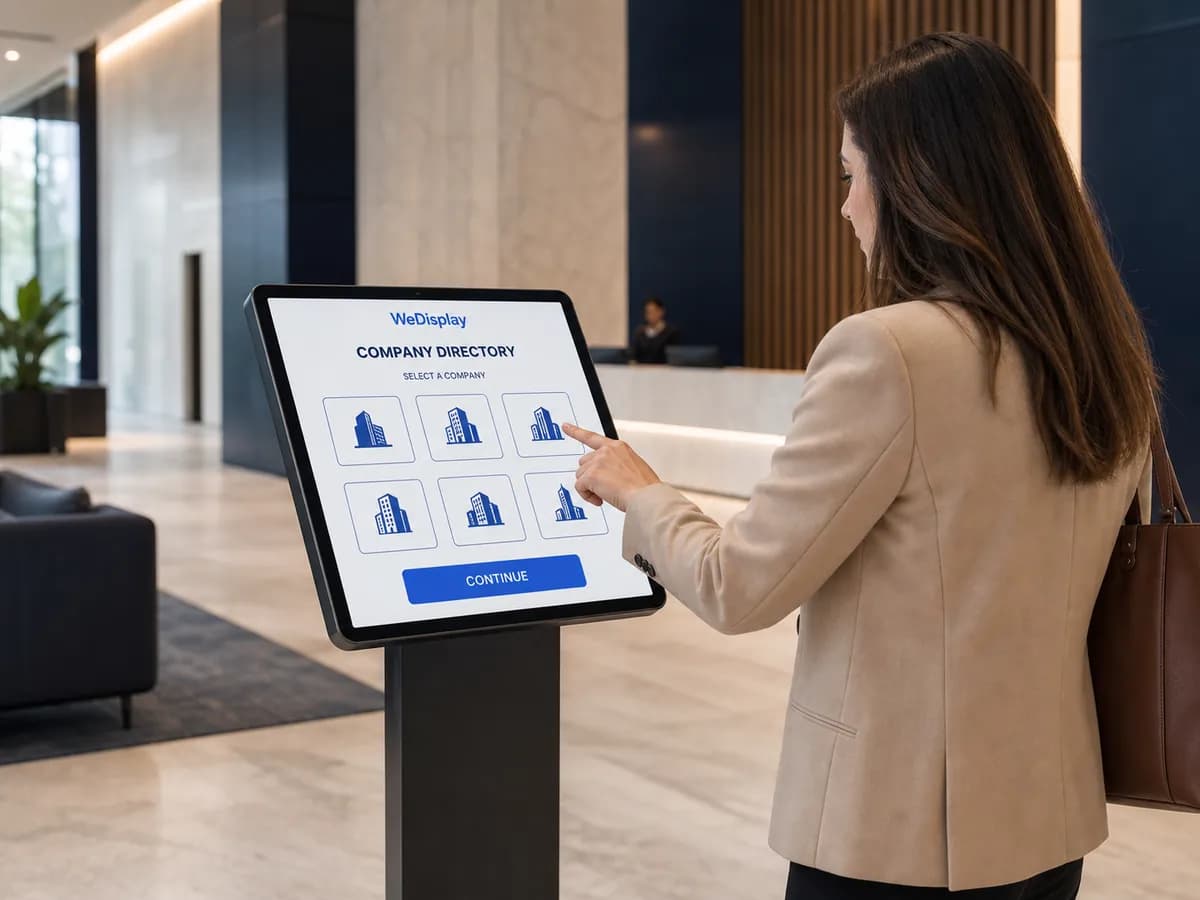
A shared reception can front for more than one company, each with its own logo and its own host list. Deactivate one and it leaves the tablet without touching the visit log.
Badges that print at the desk
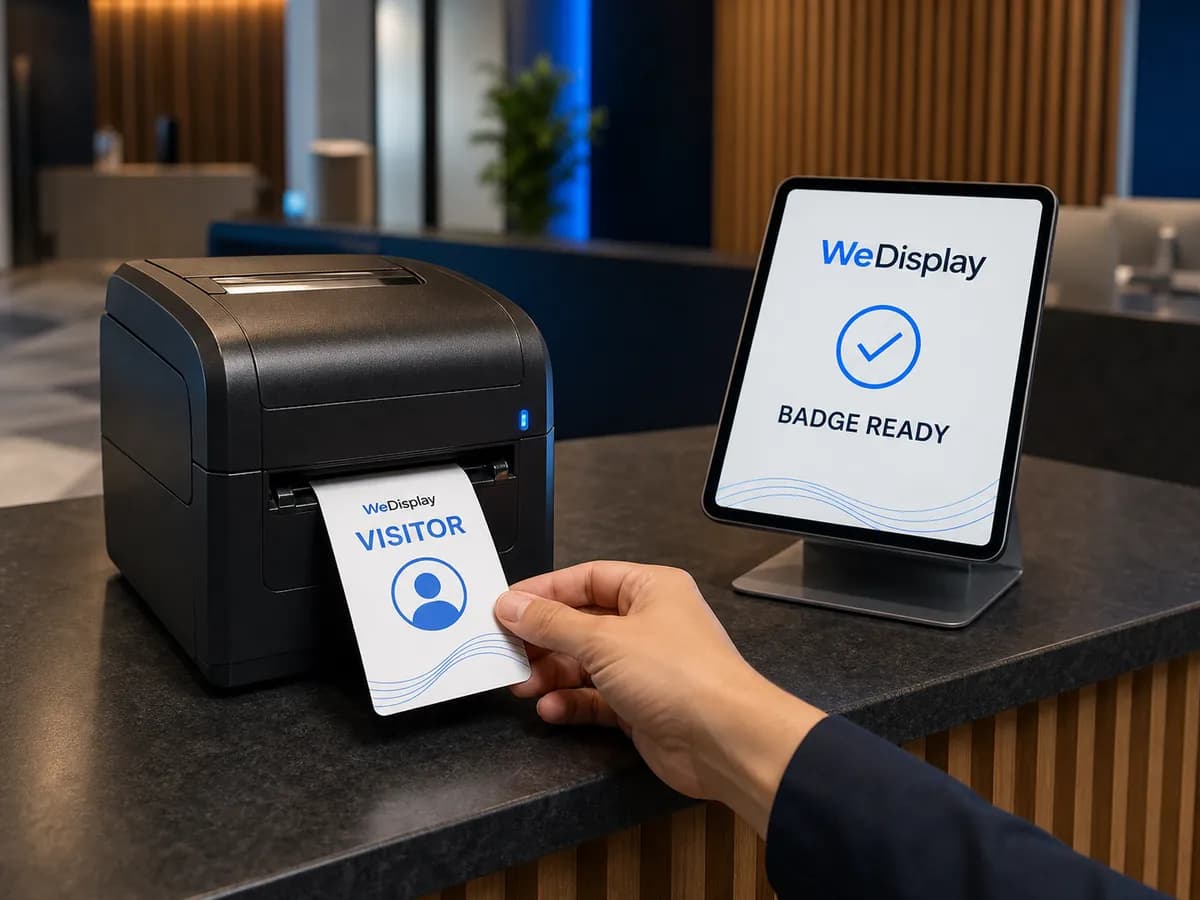
Turn badges on per visitor type and the visitor is offered a print-ready card after check-in — logo, name, type colour band, host and date — from any printer the tablet can reach. Reprint it later from the log.
Guests you are expecting
Pre-register a guest and they get a confirm link, then a pass with a six-character code and a QR. They enter the code at the tablet and check in prefilled, marked as invited in the log.
A tablet that gives nothing away
The check-out list shows a first name and an initial, never a full one. Host emails, phone numbers and department inboxes are never sent to the tablet. And kiosk pages are kept out of search engines entirely.
Your staff list, imported
Bring hosts in from an HR or directory export — up to 500 rows a file, tabs or commas, extra columns ignored. You get a preview with the bad lines numbered before anything is written.
Numbers you can hand over
Every visit searchable and exportable to CSV, with trends by day, by visitor type, by company and by hour of arrival — each with its own export, and a recurring summary on your reports schedule.
Guides from the team that builds it.
Visitor Management for Small Business: Beyond the Paper Logbook
What a visitor management system replaces, what to look for before you buy, and how a tablet at reception handles guests when nobody is at the desk.
7 min read
NDAs at Reception: Getting Visitor Documents Signed at Check-In
Get an NDA or safety briefing signed before a visitor is through the door — versioned documents, e-signature on the tablet, and the Québec Law 25 angle.
7 min read
The Fire Drill List: Evacuation Roll Call for Staff and Visitors
Who is really in the building when the alarm goes off? How a who's-in board and a tap-through roll call replace the clipboard at the assembly point.
7 min read
See it running at your front desk.
Tell us about your reception — how many entrances, how many companies, what people have to sign — and we will size it, set it up and quote it. We reply within a day.